What should I check while making payment using UPI IDs/ QR Code?
With SEBI's new UPI ID policy rolling out, investors must stay vigilant to avoid frauds and ensure their money reaches the right destination. Before approving any payment, take a quick moment to check these key details:
1. Verify the UPI ID Format
The UPI ID should clearly display the name of the intermediary (such as your broker or mutual fund house). Just before the “@” symbol, look for the short abbreviation of their category—for example, “brk” for brokers or “dp” for depository.
A genuine SSJ Finance & Securities Pvt. Ltd. UPI IDs are:
2. Look for the New Handle
On the right side of the “@” sign, there must be the exclusive handle “@valid” followed by the bank name. This confirms that the payment request is from an authorized intermediary.
3. Check the Confirmation Screen
Your UPI app’s confirmation page should display a white thumbs-up icon inside a green triangle. This is a visual marker of a valid, regulated payment request.
4. Examine the QR Code
Any QR code generated by a recognized intermediary will also feature the white thumbs-up in a green triangle. The UPI ID will be printed just below the QR code for cross-checking.
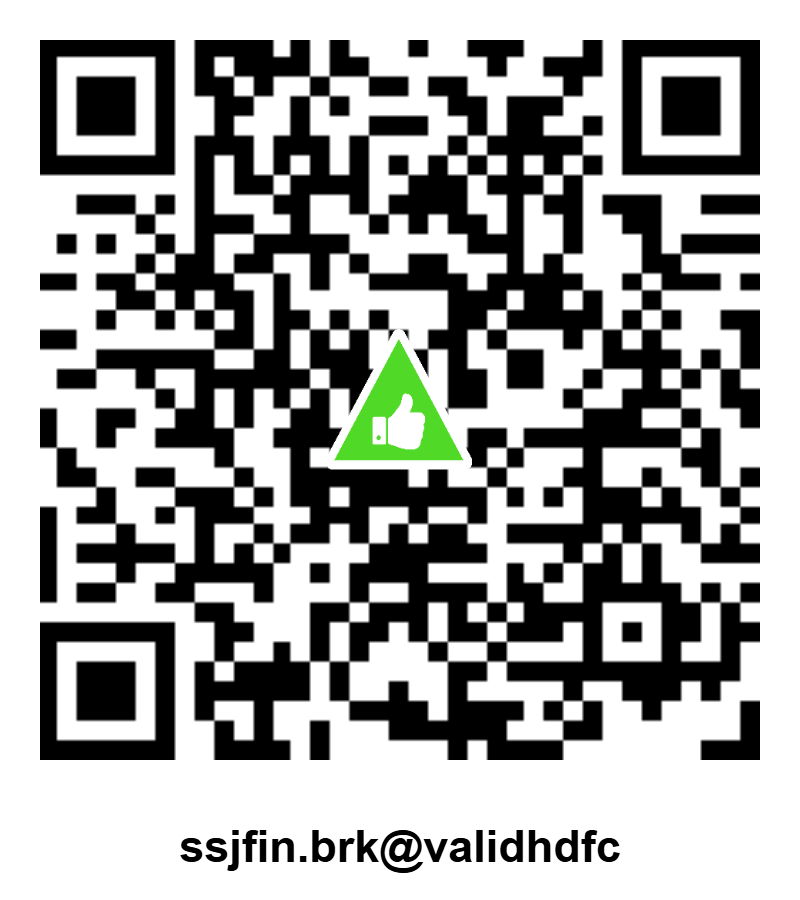
Below is the QR Code, along with the UPI ID of SSJ Finance & Securities Pvt Ltd for each product.
| Product |
UPI ID |
QR Code |
| Equity and Equity Derivatives, Commodity |
ssjfin.brk@validhdfc |
|
| Equity and Equity Derivatives, Commodity |
ssjfin.brk@validicici |
|
| Equity and Equity Derivatives, Commodity |
ssjfin.brk@validsbi |
|
| Research Analyst (RA) |
ssjfin.ra@validhdfc |
|
| Depository Participant (DP) |
ssjfin.dp@validhdfc |
|